Free with every plan
Your plan, made for the TV.
The StreamPlay4K app: live TV with a guide and catch-up, films and series that remember where you stopped, and a profile for everyone at home. Sign in with one short code.
- 4K & Full HD
- EN · FR · ES
- 5 profiles
- Updates itself
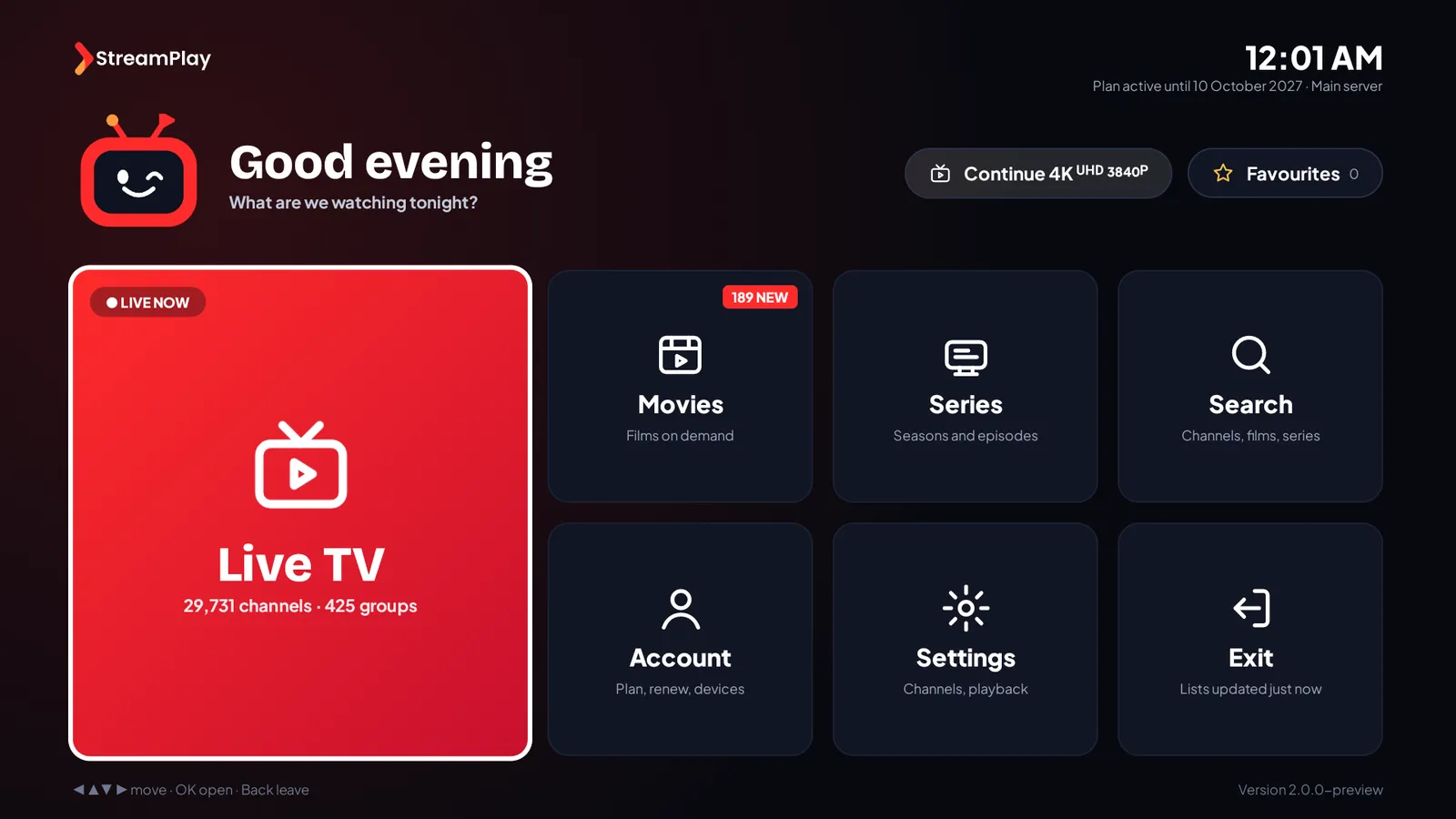
Everything your plan includes, one remote away
Live TV that changes channel fast
Groups, Favourites and Recently watched on the left, the channel list in the middle, a preview and what is on to the right. Moving through the lists loads nothing until you press OK.
TV guide and catch-up
What is on now and next on every channel that has a guide, the full programme list for the channel you are watching, and replays of past programmes on channels with catch-up.
Films and series
Resume to Watch picks up where you stopped, My List keeps what you want to see, and series play the next episode by themselves.
Up to 5 profiles
Each person keeps their own favourites, Resume to Watch and My List. A Kids profile shows only kids groups, and a parental PIN keeps adult groups hidden.
Player options
Audio track, subtitles (size, colour and language), picture size, playing speed, a sleep timer and the last channel, all from one bar.
Sign in with a code
Type the 8-character app code from your login email, or your username and password. No server address to enter.
English, French and Spanish
The app follows your TV's language, or you choose it in Settings, with a 12- or 24-hour clock.
Updates by itself
When a new version is out, the app offers it on the home screen, downloads it, checks it and installs it. Your sign-in and favourites stay.
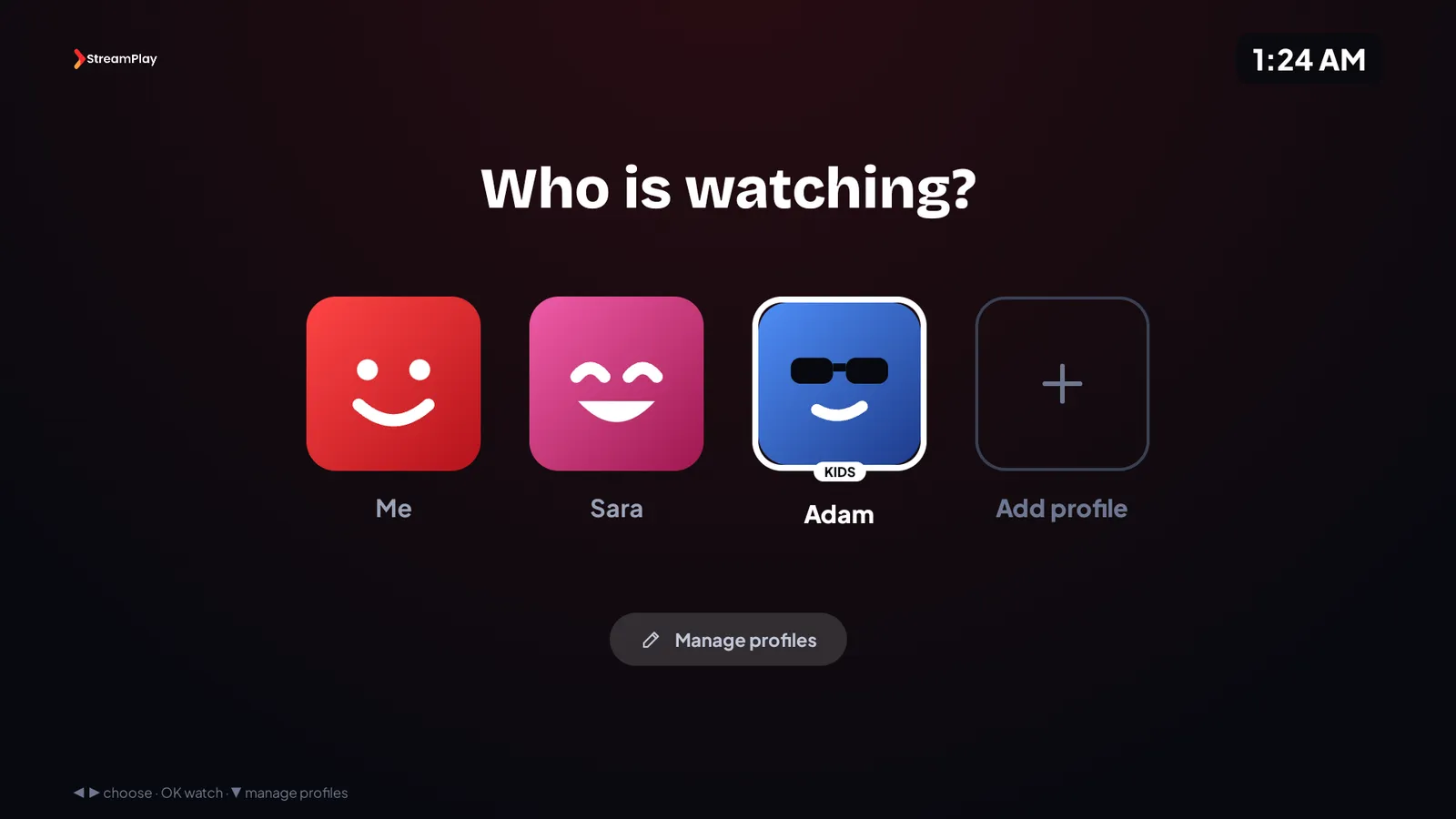
Profiles
One app for the whole family
Up to 5 profiles, each with its own face. Everyone keeps their own favourites, Resume to Watch and My List.
- A Kids profile shows only kids groups
- A parental PIN keeps adult groups hidden
- Lock a profile with the PIN
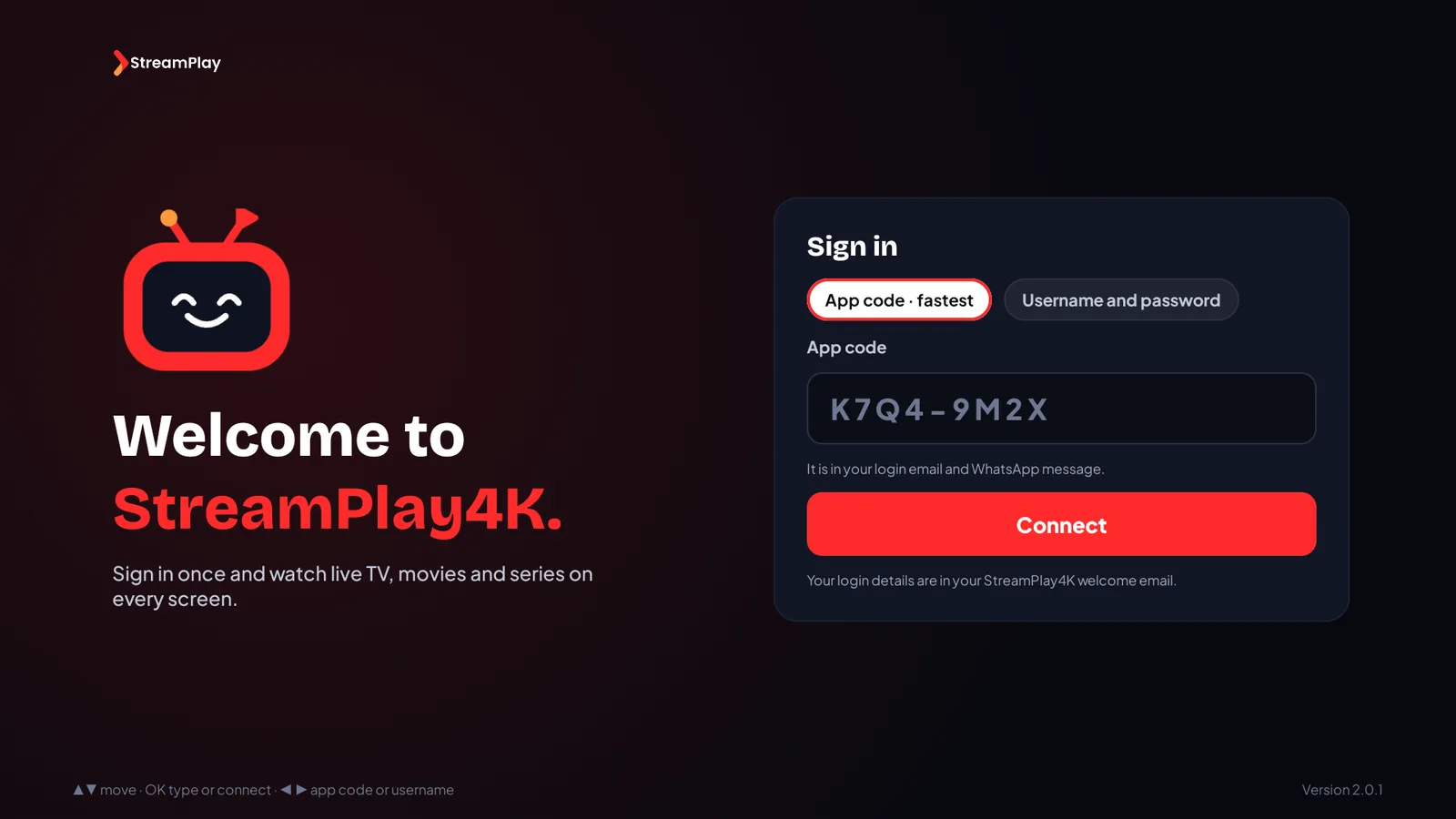
Sign in
Signed in with 8 characters
The app code from your login email is all it takes. No server address, no long password to type with the remote.
- App code or username and password
- Stays signed in after updates
- Help on WhatsApp if you are stuck
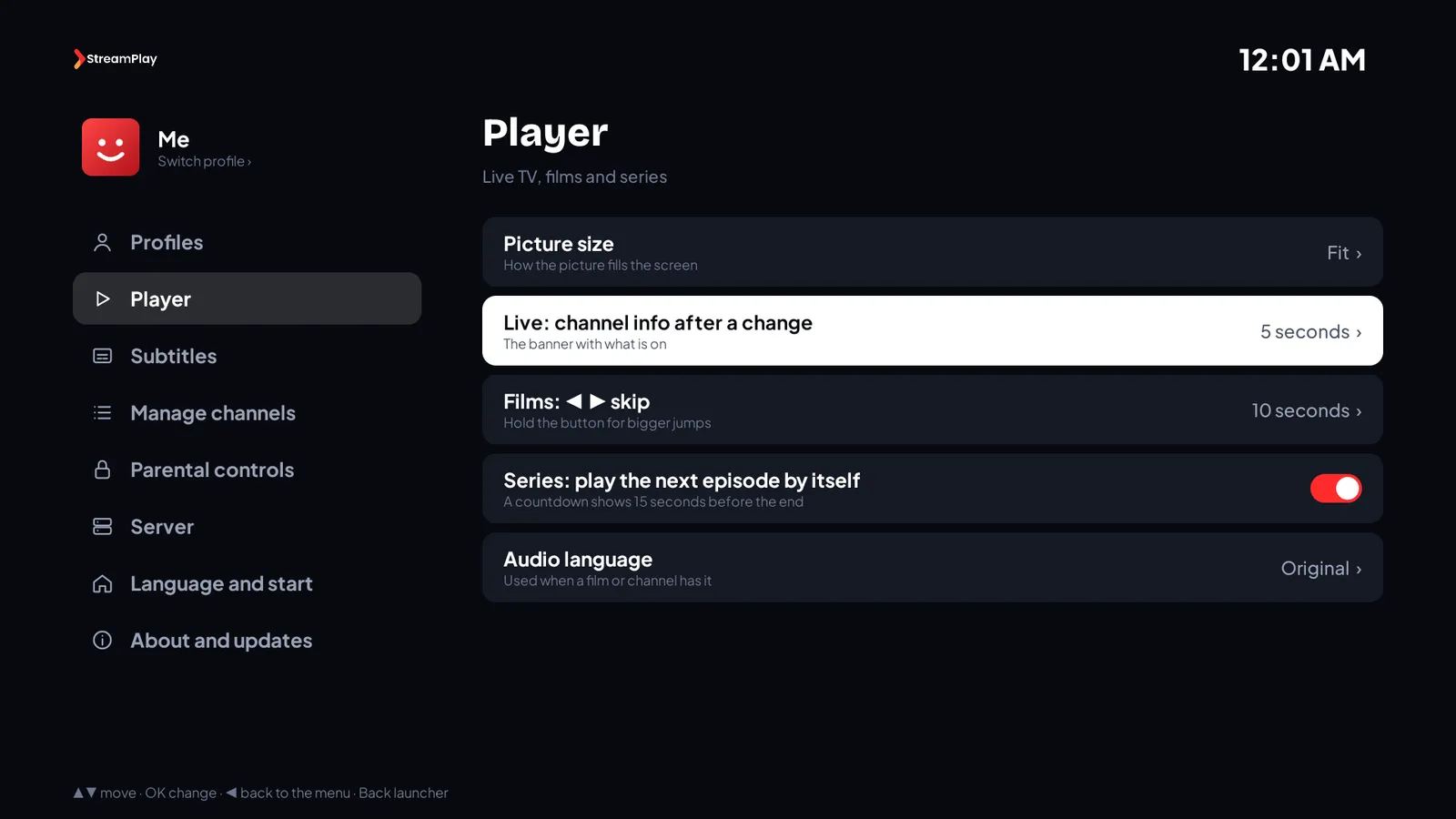
Settings
Settings made for the remote
Every option shows what it is set to, and opens its choices on the side. Nothing to hunt for.
- Picture size, skip length, next episode
- Subtitle size, colour and language
- Hide the groups you never watch
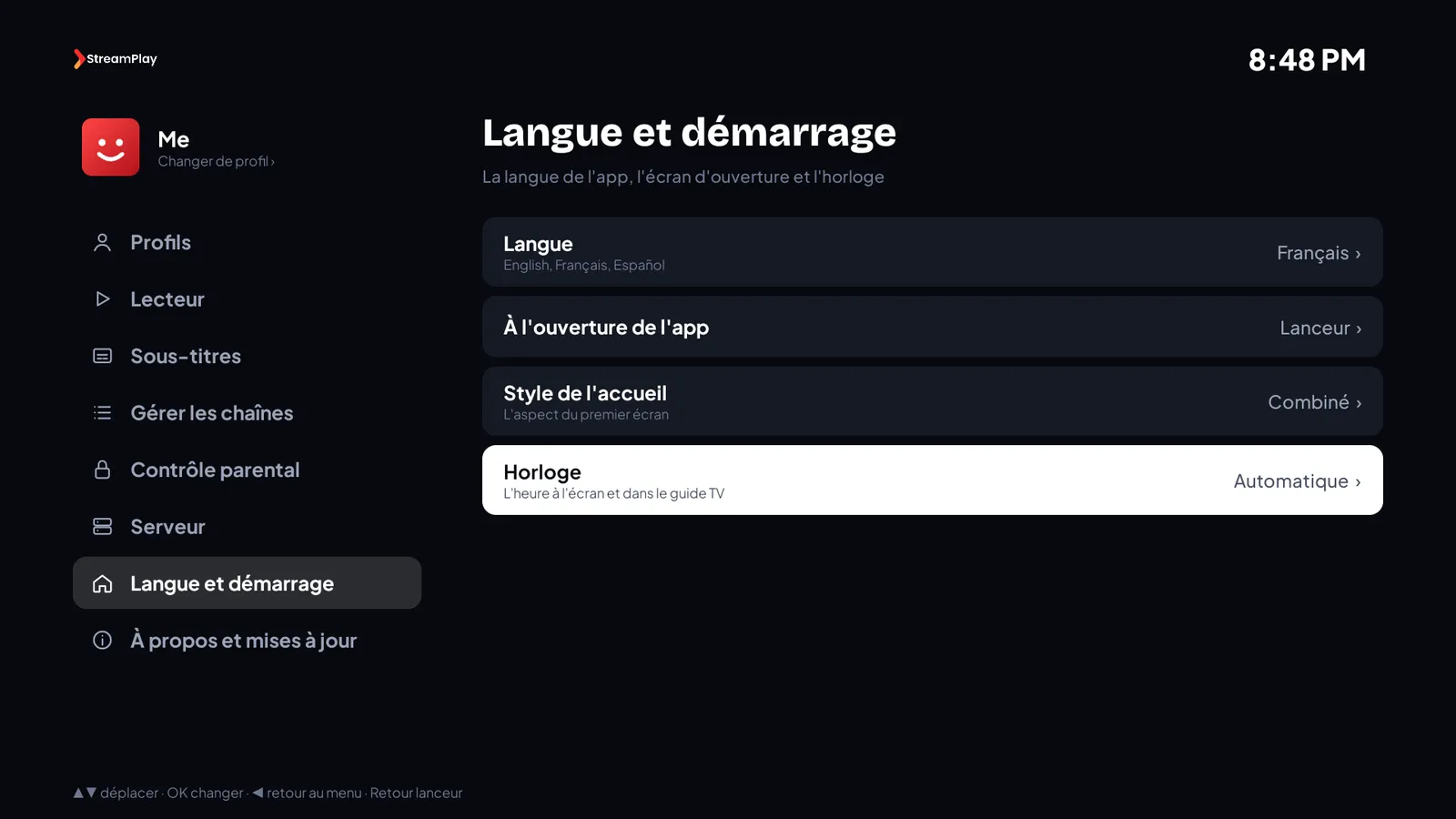
Languages
In English, French or Spanish
The app follows your TV’s language, or you pick one in Settings. Dates, numbers and the clock follow too.
- English, Français, Español
- 12- or 24-hour clock
- Switches at once, no restart
On your TV in three steps
STEP 1
Get Downloader
Free on Fire TV and Android TV
STEP 2
Type 2073266
The app installs in seconds
STEP 3
Sign in with your code
From your login email
Where it runs
The app is made for Android-based devices. On the others, your login works in the player apps of the setup guide.
- Yes
Amazon Fire TV & Firestick
Downloader code
- Yes
Android TV & Google TV
Downloader code
- Yes
Nvidia Shield
Downloader code
- Yes
Android phones & tablets
Download link
- Not yet
Samsung, LG & other smart TVs
Use a player app from the setup guide
- Not yet
Apple TV, iPhone & iPad
Use a player app from the setup guide
Questions about the app
Amazon, Fire TV, Android, Google TV and Nvidia Shield are trademarks of their owners. StreamPlay4K is not affiliated with them. StreamPlay4K is a reseller of IPTV subscription services. All content is supplied by third-party providers; users are responsible for compliance with applicable law.




















































Start watching tonight
Your plan,
on the big screen.
Install the app in a couple of minutes, or choose a plan first if you do not have one yet.
7-Day Money-Back Guarantee · Usually ready in 5–15 minutes · 24/7 support