Guides
Best IPTV Providers 2026: How to Choose in the USA
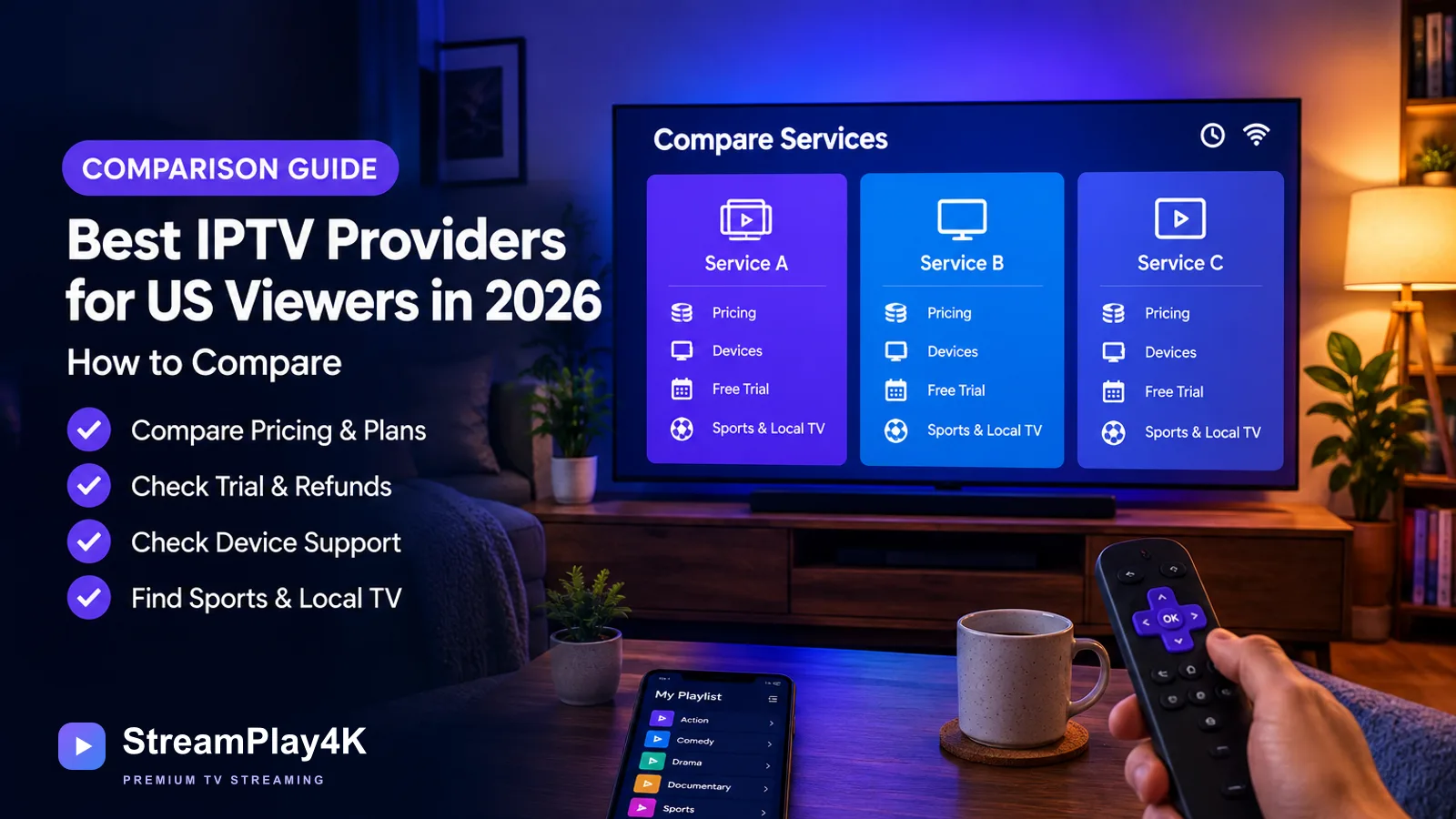
There isn’t one best IPTV provider for every US household in 2026. Choose a provider that carries the exact channels you watch, works with your devices, supports enough simultaneous streams, and clearly publishes its price, trial, cancellation, and refund terms.
Quick comparison checklist
Before comparing any two providers, check each of these on the provider’s own site or checkout page:
- US, local and sports channels — the exact stations serving your ZIP code and the specific leagues or networks you watch, not a channel count.
- Free trial — whether one is offered, how long it lasts, and whether it includes the channels you plan to use.
- Device compatibility — every TV, streaming stick, phone, tablet and computer you will use, and the app each one needs.
- Simultaneous connections — how many devices can stream at the same time, and what happens when the limit is exceeded.
- HD, FHD and 4K availability — which formats your preferred channels actually use, not the maximum the provider advertises.
- Full price and renewal cost — the regular price after any introductory period, plus add-ons, extra connections and taxes.
- Refund policy — the refund window, its exclusions and how to request one, in published terms rather than a chat promise.
- Login compatibility — whether you get a provider app, an M3U playlist, Xtream Codes credentials or a mix, and whether your player accepts that format.
Build a shortlist based on the type of service you need
Start by deciding whether you want a conventional live-TV service with its own app or a subscription that supplies credentials for a separate IPTV player.
| Type of service | Usually worth considering when | What to verify |
|---|---|---|
| Conventional live-TV service | You want a cable replacement with US networks, local stations, sports, and a provider-managed app | ZIP-code channel availability, monthly price, add-ons, supported devices, and simultaneous streams |
| Playlist or credential-based subscription | You already use an IPTV player or need M3U or Xtream Codes compatibility | Login format, app compatibility, exact channel list, connection limit, trial, refund terms, and content authorization |
| Direct channel or sports apps | You only need a few networks, leagues, or programs | Blackout rules, live coverage, replay access, and total cost when combining apps |
A September 2026 TROYPOINT roundup lists YouTube TV, Hulu + Live TV, fubo, Sling TV, DirecTV, and Philo among its live-TV options. Treat these as candidates rather than a ranked answer: channel lineups, prices, sports coverage, and local availability still need to be checked on each provider’s website.
Provider rankings can disagree because publishers may use different criteria, methodologies, or commercial relationships. Treat a “number-one” label as a starting point for research, not proof that a service is right for your household.
Compare these seven points before choosing
1. The exact US and local channel lineup
A large channel count is not useful if your local ABC, CBS, Fox, NBC, regional sports network, or preferred news channel is missing. Ask for a searchable list and confirm the stations serving your ZIP code.
For sports, check the specific league, team, network, and event rather than accepting a general claim such as “all sports.” Also confirm whether pay-per-view access costs extra and whether blackout restrictions apply.
2. The full recurring price
Record the regular renewal price, not only the introductory offer. Include required add-ons, sports packages, premium channels, player-app fees, taxes, and any charge for additional connections.
Monthly service is usually less risky when trying an unfamiliar provider. Do not commit to a long plan merely because its monthly equivalent looks cheaper.
3. Simultaneous connection limits
Installing an app on several devices does not necessarily mean those devices can stream at the same time. A household that regularly watches on two TVs needs two simultaneous connections, even if both devices use the same account.
Ask what happens when the limit is exceeded. The provider should explain whether the second stream is blocked, disconnects the first device, or requires another subscription.
4. Device and login compatibility
Confirm both the device and the credential format. A provider may support Android while not supporting the particular app installed on your TV. If you already have a player, ask whether the service supplies an M3U playlist, Xtream Codes login, or another supported format.
Do not buy credentials first and assume they will work with your preferred app later. Some apps also require a separate payment that is not included with the TV subscription.
5. Stream quality under real viewing conditions
Terms such as HD, 4K, and 60 FPS describe potential formats, not a promise that every channel uses them. Picture quality depends on the original source, the provider, the app, the playback device, and your connection. A stable connection needs more headroom for 4K than for a lower-resolution stream.
During a trial, check your most-watched channels in the evening and during a live event. Test picture quality, audio synchronization, guide loading, and recovery after changing channels.
6. Trial, cancellation, and refund terms
A trial is useful only when it includes the channels and features you plan to use. Confirm when it begins, when it ends, whether payment details are required, and whether it automatically becomes a paid plan.
Read the refund policy before paying. Save a copy showing the refund period, exclusions, request method, and seller’s contact details. A vague promise in a chat message is not a substitute for published terms.
7. Provider identity and content transparency
IPTV is a delivery method; the label alone does not establish whether a seller has permission to distribute particular channels. App-store availability, a long channel list, and a polished website do not settle that question either.
Ask who supplies the subscription, where the terms are published, and how the seller handles copyright complaints. The guide to IPTV legality in the United States explains the questions viewers should consider without making a blanket judgment about every service.
Use this comparison worksheet
Fill this out for every candidate using information from the provider’s own checkout page and terms.
| Criterion | What to record |
|---|---|
| Channels | Exact local stations, sports networks, premium channels, and international coverage |
| Price | Renewal price, add-ons, app costs, taxes, and extra connections |
| Trial | Duration, included content, payment requirement, and expiration time |
| Devices | Every TV, streaming stick, phone, tablet, and computer you will use |
| Login | Provider app, M3U, Xtream Codes, or another required format |
| Connections | Number of devices allowed to stream at the same time |
| Guide | EPG availability and whether listings load correctly during the trial |
| Quality | Actual format of your preferred channels, not only the maximum advertised format |
| Support | Contact method, response during the trial, and available hours |
| Refund | Time limit, exclusions, and request process |
| Authorization | The provider’s explanation of its right to offer the requested content in the US |
Leave a field blank if the seller will not answer it. A missing answer should not be replaced with a guess.
Test a provider before taking a long plan
- Write down five to ten must-have channels. Include local station call signs, specific sports networks, and any international channels you watch.
- Confirm your device and login method. Ask for the exact app name or whether you will receive M3U or Xtream Codes credentials.
- Check the simultaneous-stream limit. Test two devices together if more than one person will watch at the same time.
- Use the trial during your normal viewing hours. A quiet weekday morning will not show what happens during the evening or a major live event.
- Check every must-have channel. Open the TV guide, change channels, verify sound and captions, and watch long enough to identify repeated interruptions.
- Contact support with a real question. Ask about a missing channel, connection policy, or cancellation process. The quality of the answer matters more than a generic greeting.
- Save the terms and payment confirmation. Keep the provider name, order details, refund deadline, and cancellation instructions.
- Start with the shortest sensible paid period. Consider a longer subscription only after the service has worked through normal viewing periods.
Match the provider to your playback device
Device support can determine which shortlist is practical:
- If you use a Fire TV device: Compare player compatibility using the guide to choosing an IPTV app for Firestick.
- If you use Roku: Read what works for direct IPTV setup on Roku TV before buying a playlist-based subscription.
- If the provider supplies M3U or Xtream Codes: Follow the IPTV Smarters Pro setup instructions to understand what credentials the app requires.
- If several people watch at once: Prioritize the documented simultaneous-stream limit over the number of devices on which the app can be installed.
Red flags that should stop the purchase
Walk away when a provider:
- Makes unconditional playback-performance promises.
- Advertises a huge channel count but will not provide a usable lineup.
- Hides the renewal price or charges for extra connections only after checkout.
- Has no published cancellation or refund process.
- Pressures you into an annual or lifetime plan before allowing a meaningful trial.
- Will not identify the required app or login format.
- Cannot explain who supplies the subscription or its authority to distribute the requested channels.
- Accepts payment but provides no order confirmation or seller contact information.
One subscription option to compare
This article is published on StreamPlay4K’s own site, and StreamPlay4K is a reseller of IPTV subscription services supplied by third parties.
Its documented comparison points are:
- Free trial up to 24 hours.
- The service works over Xtream Codes and M3U playlist URLs.
- Works with Smart TV, Firestick, Android, iPhone & iPad, PC & Mac.
- US and local channels are available in the line-up.
- One connection covers one device at a time.
- A 7-day money-back guarantee applies.
You can review the service details and provider-selection guidance, or check the current plans and pricing, after confirming that these terms fit your channels, device, and household connection needs.
When to choose another approach
Use a different provider or service type if a trial lacks a must-have local station, the app does not work properly on your main TV, or the connection limit is too low for your household. A direct network app or conventional live-TV service may also be a better fit when you need a small number of clearly identified US channels rather than a large playlist.
Stop the purchase if licensing, renewal, refund, or seller information remains unclear after you ask. Those issues will not be fixed by a larger channel count or a longer subscription.
- Buying Guide
- Providers
- Trials & Refunds
- Devices
Ready to get started?
Pick a plan, choose your devices, and we will send your invoice by email and WhatsApp.