Setup Guides
Xtream Codes or M3U: Which Login Should You Use?
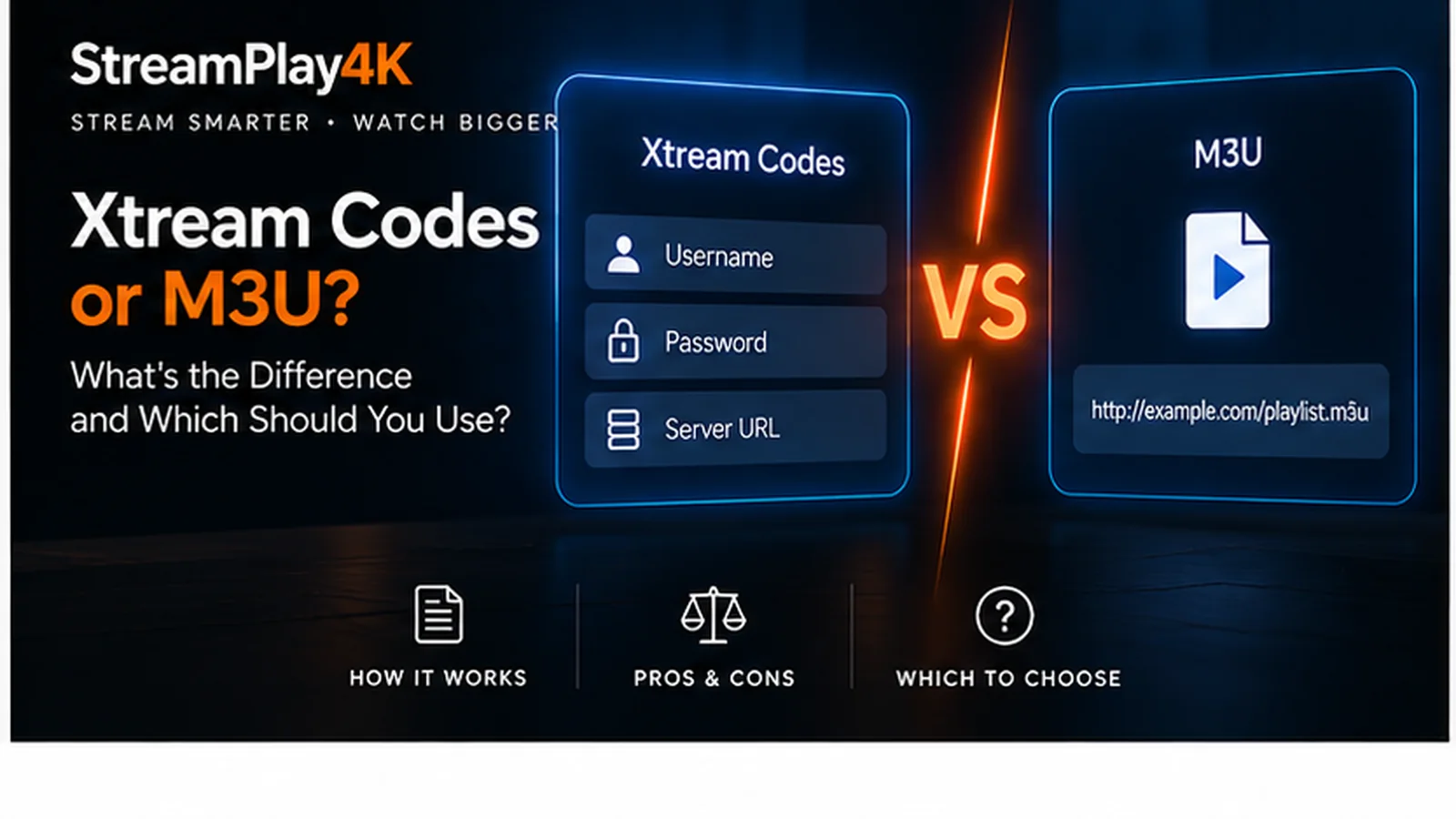
When your subscription is activated you are sent login details in one of two formats, and the app asks which one you are using before you can type anything. It is the first decision in the setup and the least explained.
Short version: use Xtream Codes if your app offers it. If you want to know why, read on.
What each one is
Xtream Codes is three separate pieces of information: a server address, a username and a password. It looks like a normal login, because that is what it is — the app signs in to your account and asks the server what your subscription includes.
M3U is a single long web link. It is a playlist file: a list of channels and where each one lives. The app downloads that list and plays from it. There is no login involved, which is why the link itself has to be kept private.
Both reach the same subscription. The difference is what the app can do once it gets there.
Why Xtream Codes is usually better
Because it is a real login rather than a file, the app can ask questions and get answers back.
- You get a TV guide. The EPG — what is on now, what is on next — comes through the same connection automatically. With M3U the guide is a separate link you have to add yourself, if the app supports it at all.
- Categories arrive properly sorted. Live, films and series come through as distinct sections rather than one enormous list.
- You can see your own account. Expiry date, how many devices are connected, how many are allowed. Useful when something stops working and you are trying to work out why.
- It survives changes. If anything moves on our side, a login still resolves to the right place. A playlist link is a snapshot.
When M3U is the right choice
It is not a fallback. Sometimes it is simply the only option, and that is fine.
- Your app does not support Xtream Codes. Some perfectly good players are playlist-only by design.
- You are using something general-purpose like VLC, which plays a playlist happily and has no concept of an account.
- You want one specific list rather than everything — some people keep a trimmed-down playlist for a second TV.
Playback quality is identical. You are giving up the guide and the account information, not the picture.
Typing it in without mistakes
Most failed logins are typing errors, and they are always the same three.
The port number is part of the server address. If yours reads
http://example.com:8080, the :8080 matters. Leaving it off is the single
most common mistake.
Watch http against https. They are different addresses. Copy whichever
you were sent.
Passwords are case-sensitive, and TV keyboards make capitals easy to miss. If a login fails once, retype the password before assuming anything else is wrong — do not paste it from a screenshot, because a trailing space travels with it.
A tip worth the thirty seconds: set the app up on your phone first. Typing on a phone keyboard is faster and less error-prone than a TV remote, and it confirms the details are correct before you fight the remote. If it works on the phone and not on the TV, you know it is the typing.
What a playlist link actually looks like
An M3U link is one long URL. It usually carries your username and password
inside it as parameters, and often ends with something like
type=m3u_plus&output=ts.
Two things follow from that. The first is practical: the link is easy to cut short when you copy it from an email preview on a phone, and a truncated link fails with the same unhelpful message as a wrong one. Open the message fully before copying.
The second matters more. A playlist link contains your credentials, so it is your password. Anyone who has the link has your subscription.
Keeping your details to yourself
- Do not post either format in a public forum or a group chat, even to ask for help. Screenshots of a login screen leak the server and username, and playlist URLs leak everything.
- Support never needs your password. If you are sending us a problem, send the error message and your device — not the credentials.
- Sharing your login is not the same as adding a connection. One connection covers one device at a time; handing the same details to someone else does not create a second one, it means you are both competing for the same slot.
- If you think a link has got out, tell us and we will change the details rather than leaving it open.
Which one we send
Your activation email contains whichever suits the app you told us about, and we can send the other on request — the same subscription supports both. If you did not say which app you use, you will normally get both.
If a login will not take, message us on WhatsApp with your device and the exact error on screen. Nine times out of ten it is the port number.
Setting up in Smarters specifically? How to set up IPTV Smarters Pro goes through each field, and both formats, one at a time.
- Setup
- Xtream Codes
- M3U
Ready to get started?
Pick a plan, choose your devices, and we will send your invoice by email and WhatsApp.